
Introduction
At a sign simple or advancedthe Platform JAAK demand a single-use code from the signatory (OTP) before signing. Ask OTP at signing his company decides whether or not that step remains.
- activated (Value of JAAK): The signatory receives a code and introduces it before signing.
- Fitted: sign sign directly from its single sign linkThe document's evidence indicates that the company did not demand OTP and that the check was by unique link.
The option doesn't change the signature biometric and .signature SAT: these dudes continue to check their identities as usual.
Who can use them: users with role Owner or Administrator of a company with access to the functional configuration. If you do not see the option, ask JAAK That will enable her to his account.
Important: this option is currently being activated gradually. If it does not appear at your account, select them at your contact at JAAK.
Open the configuration
- login at Platform JAAK.
- Enter Adjustments.
- At the menu on the left, inside the group Digital Signatureselect Configure.
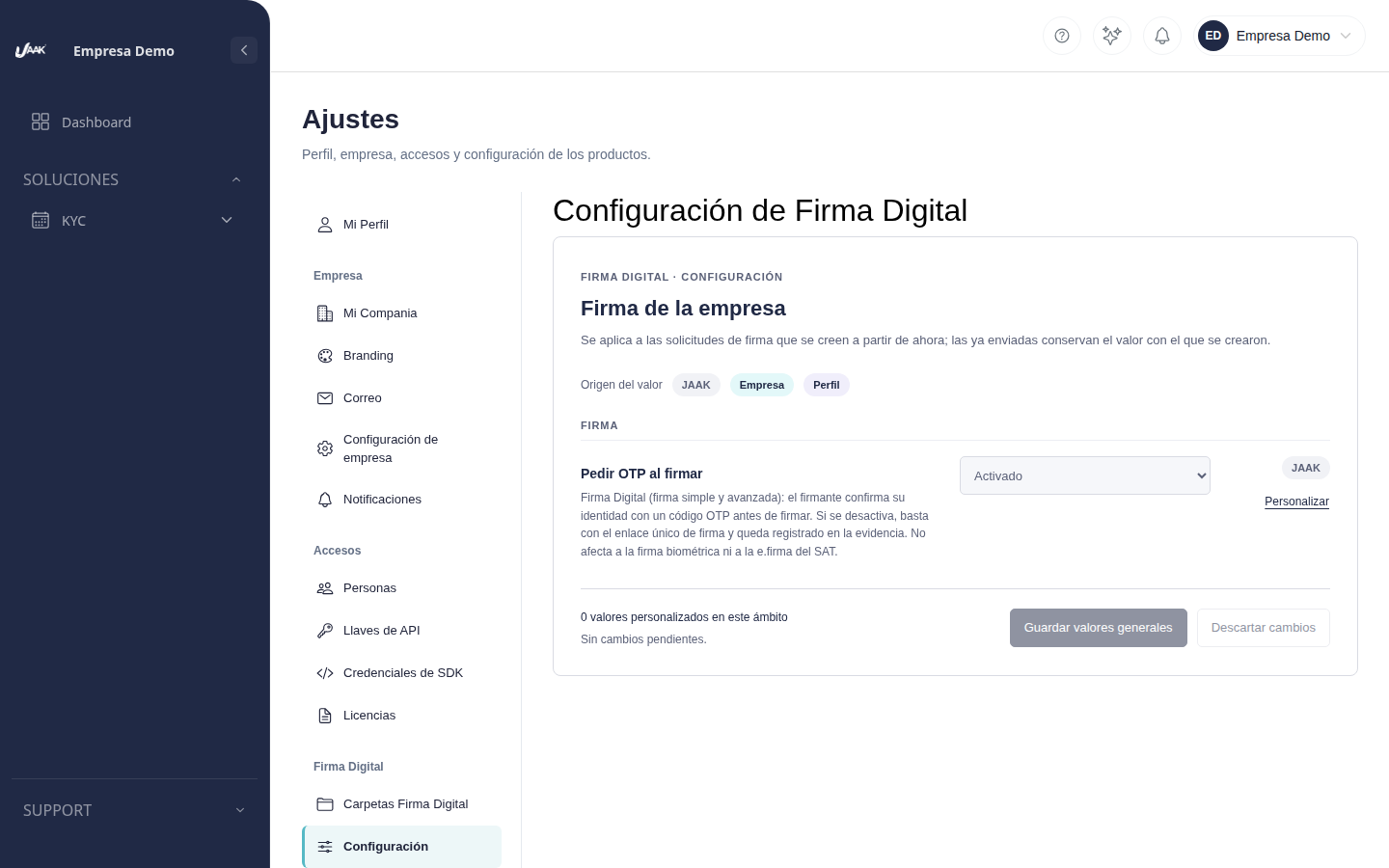
Each value shows its origin: JAAK if your company uses JAAKor Company if she personalised him.
Stop asking OTP
- Next to Ask OTP at signingpress Customize.
- Choose Fitted.
- Pulse Save General Values.
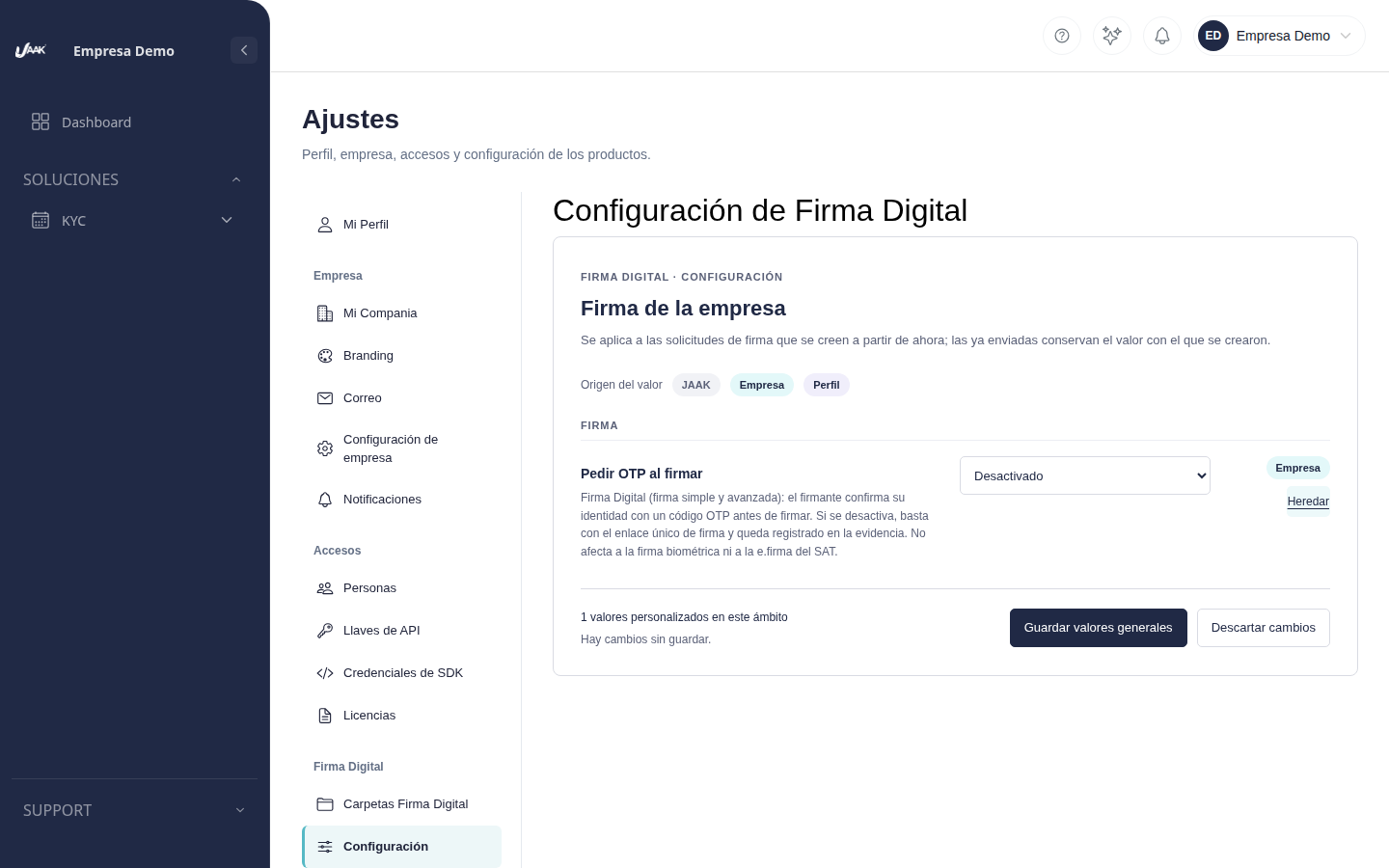
The change applies to applications for signature that it believes from that momentThe applications you have already sent preserve the value with which they have been created: if they have been sent asking OTPThey'll keep asking.
Reorder OTP
Pulse Beer with Ask OTP at signing and after Save General Values. Your company reuses the value of JAAK (activated) for new applications.
What does the signatory see
| Type of signature | Ask OTP When signing: activated | Ask OTP at sign: Unactivated |
|---|---|---|
| Simple | Enter code OTP and signature | Signature directly from your link |
| Advanced | Enter code OTP and signature | Signature directly from your link |
| Biometric | Biometric monitoring, unchanged | Biometric monitoring, unchanged |
| .signature SAT | attestation and key, unchanged | attestation and key, unchanged |
FAQ
Is it safe to sign without OTP? The signatory continues to require his unique sign link, which only receives his recipient. OTP The second factor is lost and used only if the risk of the document permits. Type of signature to choose the right level.
Is that clear? The evidence from each firm indicates if requested OTP or if the company had disabled them.
Can I change them for a single application? No. The option applies to all new applications from your company. Those already established do not change.